一、前言
使用环境:Unraid 6.11.1
显卡:Nvidia Tesla P4
待机功耗:7w
二、安装User Scripts插件
CA应用市场搜索安装User Scripts
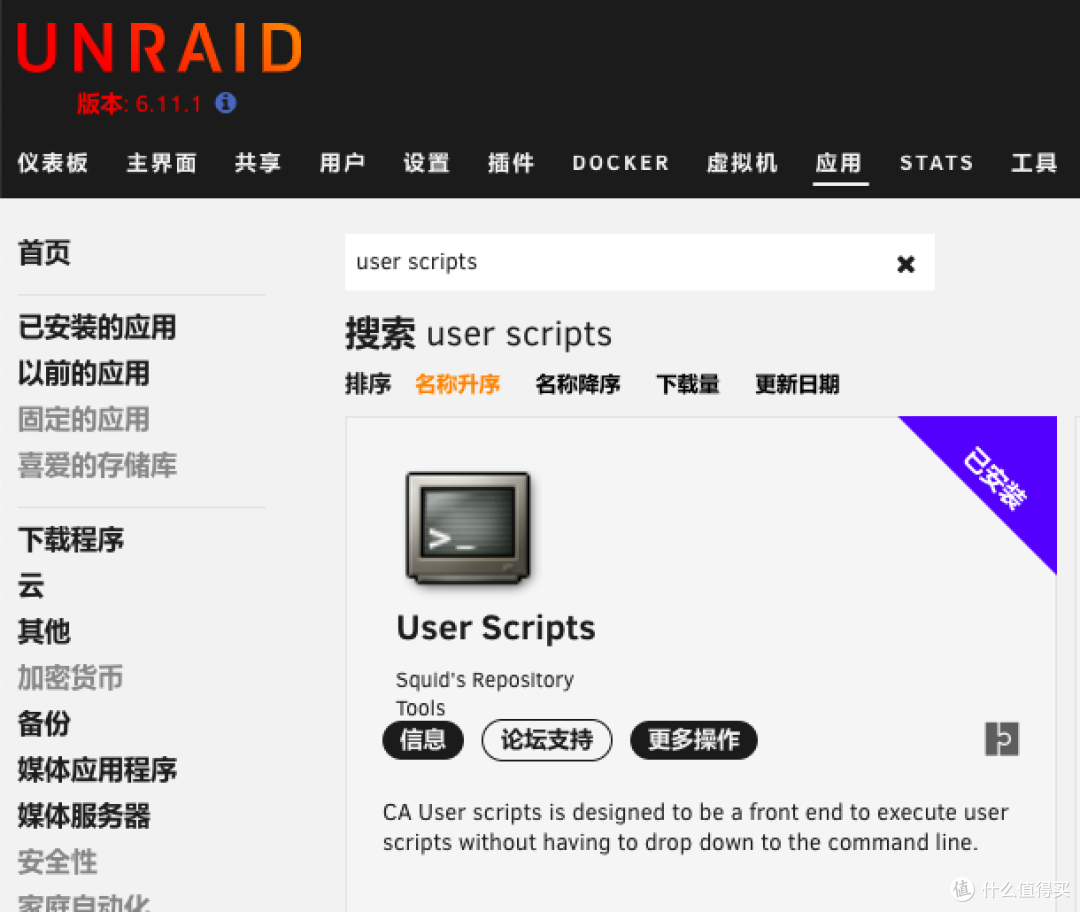
搜索安装User Scripts插件
三、配置Nvidia Power Save脚本
1.Unraid顶栏插件里左键点击User Scripts进入配置页面
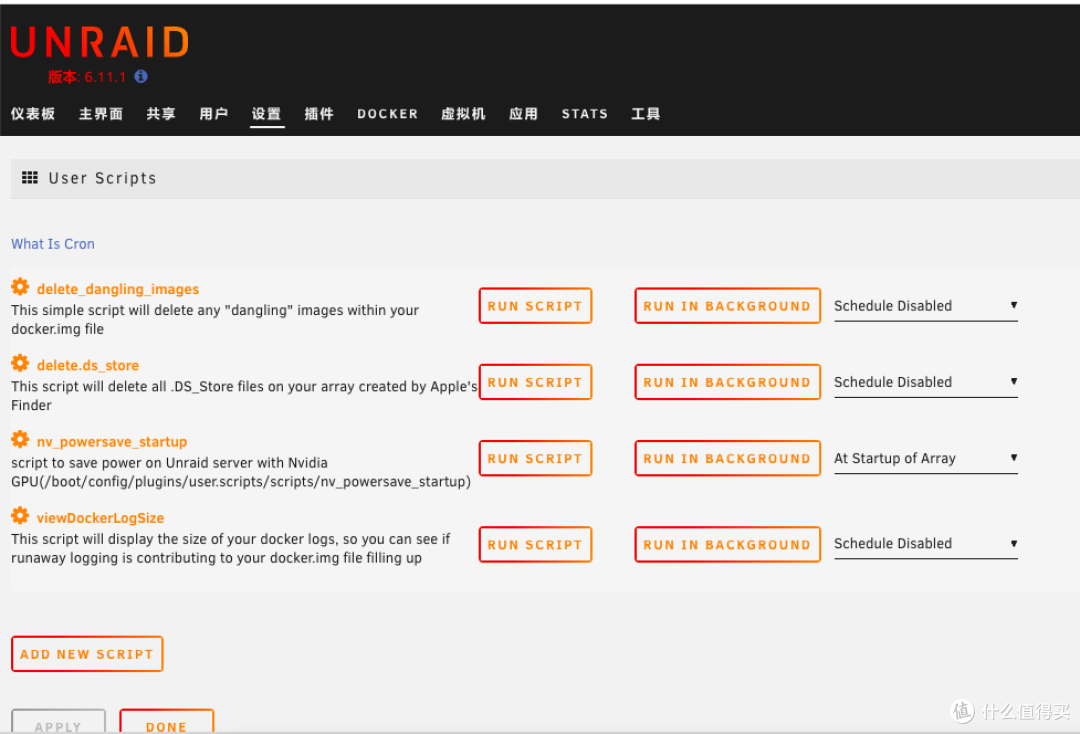
进入配置页
2.添加脚本并配置
#以每小时执行一次省电模式为例
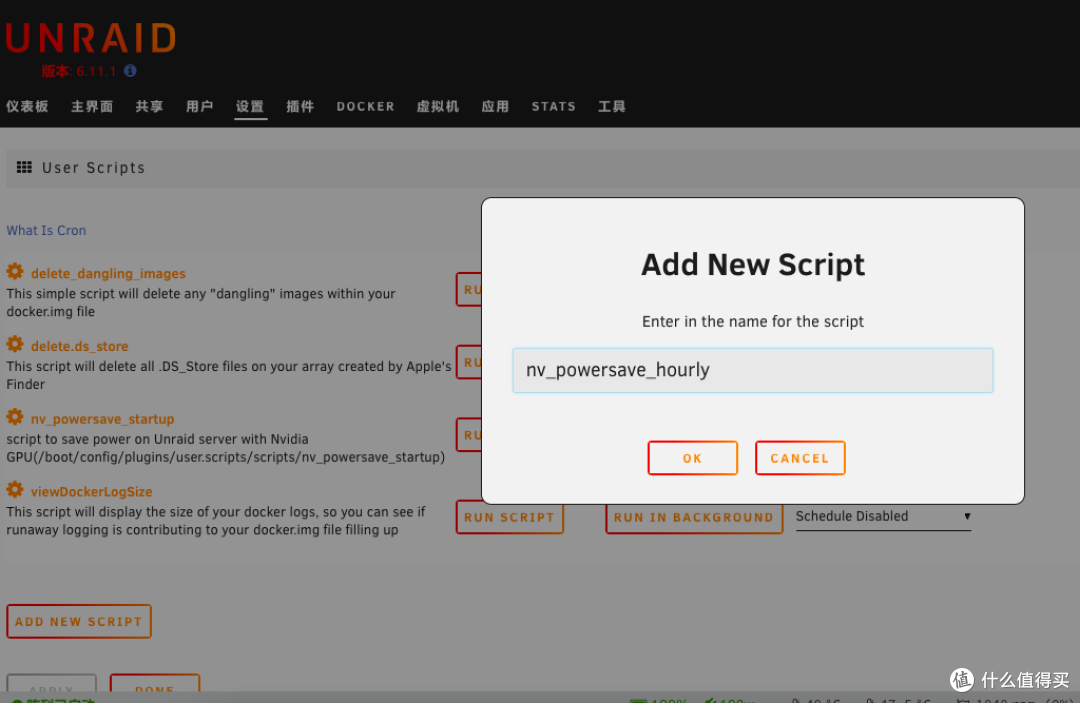
自定义脚本名称
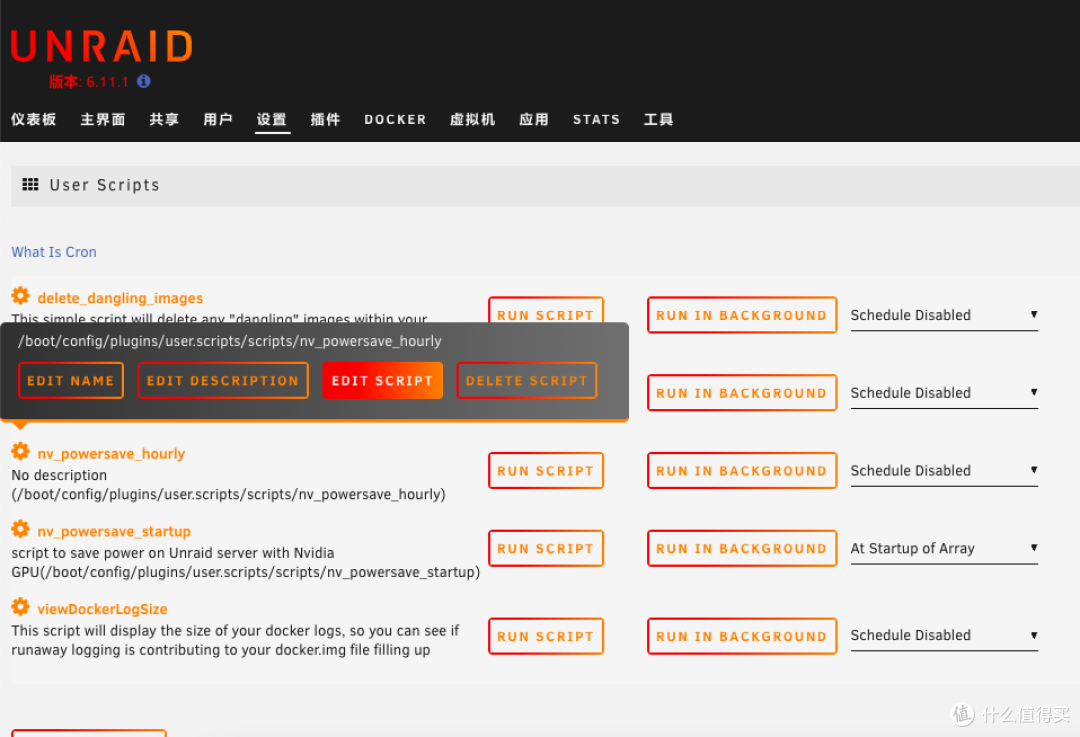
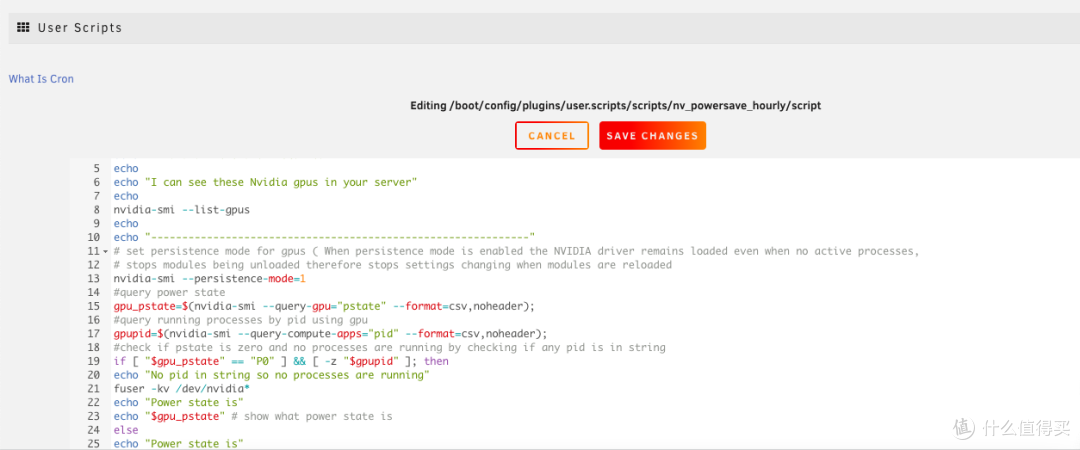
编辑脚本
3.复制以下脚本内容到编辑器
#!/bin/bash
# check for driver
command -v nvidia-smi &> /dev/null || { echo >&2 "nvidia driver is not installed you will need to install this from community applications ... exiting."; exit 1; }
echo "Nvidia drivers are installed"
echo
echo "I can see these Nvidia gpus in your server"
echo
nvidia-smi --list-gpus
echo
echo "-------------------------------------------------------------"
# set persistence mode for gpus ( When persistence mode is enabled the NVIDIA driver remains loaded even when no active processes,
# stops modules being unloaded therefore stops settings changing when modules are reloaded
nvidia-smi --persistence-mode=1
#query power state
gpu_pstate=$(nvidia-smi --query-gpu="pstate" --format=csv,noheader);
#query running processes by pid using gpu
gpupid=$(nvidia-smi --query-compute-apps="pid" --format=csv,noheader);
#check if pstate is zero and no processes are running by checking if any pid is in string
if [ "$gpu_pstate" == "P0" ] && [ -z "$gpupid" ]; then
echo "No pid in string so no processes are running"
fuser -kv /dev/nvidia*
echo "Power state is"
echo "$gpu_pstate" # show what power state is
else
echo "Power state is"
echo "$gpu_pstate" # show what power state is
fi
echo
echo "-------------------------------------------------------------"
echo
echo "Power draw is now"
# Check current power draw of GPU
nvidia-smi --query-gpu=power.draw --format=csv
exit
4.保存脚本配置
保存配置
5.设置生效规则

设置每小时生效和启动阵列时生效
四、总结
简单粗暴,利用脚本执行省电命令,可以自定义生效时间;通过设置2个生效时间,确保在阵列启动时和每小时都生效。本教程适用于所有Nvidia显卡Unraid开启省电模式。
#!/bin/bash
# check for driver
command -v nvidia-smi &> /dev/null || { echo >&2 "nvidia driver is not installed you will need to install this from community applications ... exiting."; exit 1; }
echo "Nvidia drivers are installed"
echo
echo "I can see these Nvidia gpus in your server"
echo
nvidia-smi --list-gpus
echo
echo "-------------------------------------------------------------"
# set persistence mode for gpus ( When persistence mode is enabled the NVIDIA driver remains loaded even when no active processes,
# stops modules being unloaded therefore stops settings changing when modules are reloaded
nvidia-smi --persistence-mode=1
#query power state
gpu_pstate=$(nvidia-smi --query-gpu="pstate" --format=csv,noheader);
#query running processes by pid using gpu
gpupid=$(nvidia-smi --query-compute-apps="pid" --format=csv,noheader);
#check if pstate is zero and no processes are running by checking if any pid is in string
if [ "$gpu_pstate" == "P0" ] && [ -z "$gpupid" ]; then
echo "No pid in string so no processes are running"
fuser -kv /dev/nvidia*
echo "Power state is"
echo "$gpu_pstate" # show what power state is
else
echo "Power state is"
echo "$gpu_pstate" # show what power state is
fi
echo
echo "-------------------------------------------------------------"
echo
echo "Power draw is now"
# Check current power draw of GPU
nvidia-smi --query-gpu=power.draw --format=csv
exit
文章评论